Blog
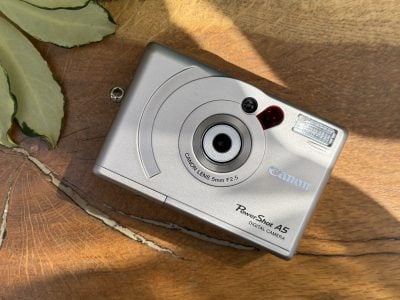
Canon PowerShot A5 retro review
07 Jul 2025 Gordon LaingLaunched in 1998, the PowerShot A5 was arguably Canon's first good-looking consumer digital camera. Let's see what it can do 27 years later!
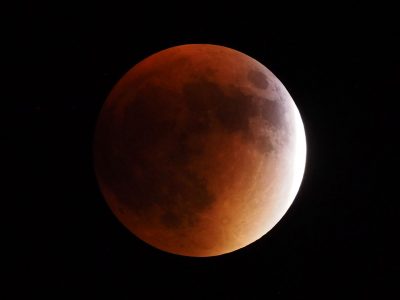
Lunar Eclipse Photography
13 Mar 2025 Gordon LaingA Total Lunar Eclipse is one of Nature's most spectacular displays and a great deal easier to photograph than a Solar Eclipse, not to mention more frequent too. In my guide I'll explain how to photograph a lunar eclipse or blood moon!
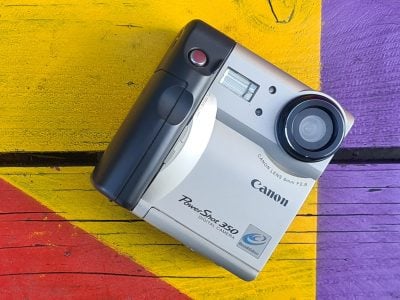
Canon PowerShot 350 retro review
11 Mar 2025 Gordon LaingThe PowerShot 350 was Canon's second digicam, launched in 1997 and sporting one third of a Megapixel and a tilting screen! But who actually made it? Find out the story in my retro review!
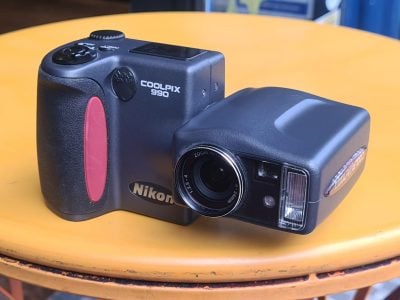
Nikon COOLPIX 990 retro review
20 Dec 2024 Gordon LaingThe Nikon COOLPIX 990 was a high-end bridge camera aimed at enthusiasts. Launched in the Year 2000, it featured a 3MP CCD sensor and a split-body design. Find out its story and why you may want one in my retro review!
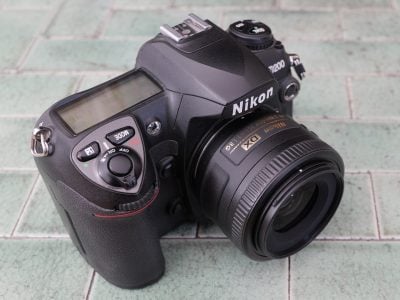
Nikon D200 retro review
29 Nov 2024 Gordon LaingThe Nikon D200 was launched in 2005 to satisfy the demanding semi-pro market, delivering a step-up over consumer models and a taste of the pro bodies without their cost or heft. I bought one almost two decades later for less than $100. Find out why you might too!

How to photograph fireworks
05 Nov 2024 Gordon LaingFirework displays can be spectacular but present a number of challenges to capture in-camera. In my simple guide I'll share my tips and techniques for photographing fireworks!
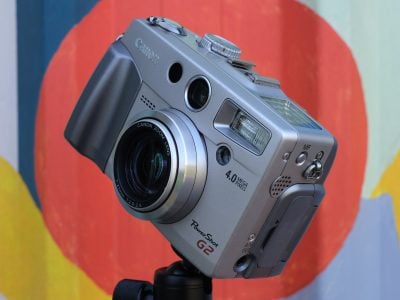
Canon PowerShot G2 retro review
23 Sep 2024 Gordon LaingBack in 2001, Canon launched the second in its legendary PowerShot G series, the G2. It upgraded and fixed several issues, and can be bagged at a bargain price today. Find out its story 23 years later!
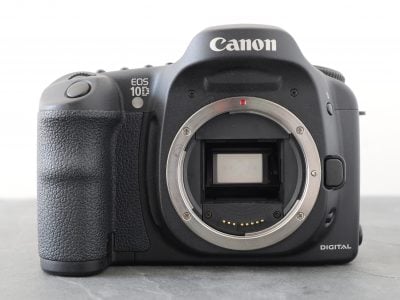
Canon EOS 10D retro review
13 Sep 2024 Gordon LaingJoin me on a trip back to 2003 where we’ll visit the EOS 10D, Canon’s most affordable DSLR to date. This was the first in an hugely popular series which set the standard for Canon’s semi-pro bodies, crucially at an attainable price for many enthusiasts.
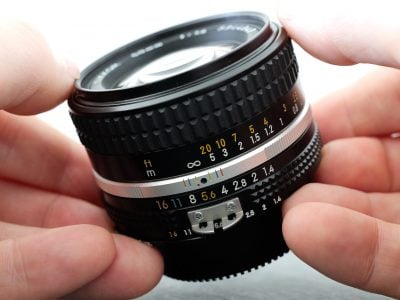
Nikkor 50mm f1.4 AI-s vintage lens review
08 Jul 2024 Gordon LaingThe Nikkor 50mm f1.4 AI-s was one of the most desirable standard lenses when it came out in 1981 and an ideal choice for anyone who wants to explore vintage optics today. Find out why in my retro review, 43 years later!
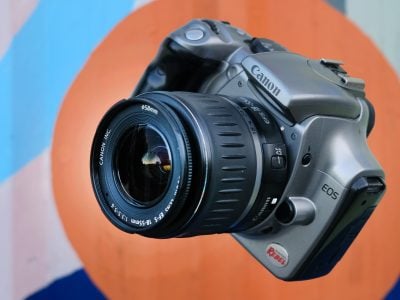
Canon EOS 300D Rebel retro review
01 Jul 2024 Gordon LaingCanon's EOS 300D, or Digital Rebel, was the first affordable consumer DSLR. Launched in 2003, it became the first DSLR many of us bought - including myself! I revisit it 21 years later to tell its story!
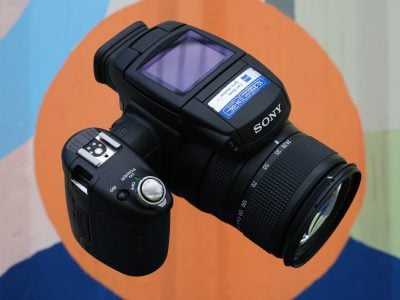
Sony Cyber-shot R1 retro review
29 Apr 2024 Gordon LaingLaunched in 2005, the Sony Cyber-shot R1 was a high-end prosumer camera packing a Carl Zeiss 5x zoom and a large 10MP APSC sensor with Live View. Find out what made it special in my retro review!
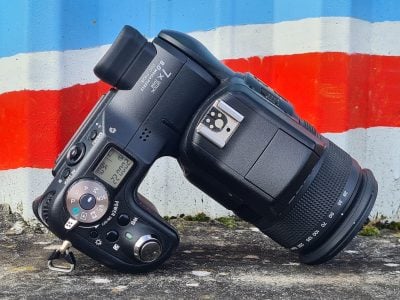
Sony Cyber-shot F828 retro review
08 Apr 2024 Gordon LaingBack in 2003, Sony launched the Cyber-shot F828 the fifth model in the series to use an L-shaped design with a twisting body. It built on the earlier F717 and later gained cult status for its infra-red capabilities. Find out how it performs 21 years later in my retro review!
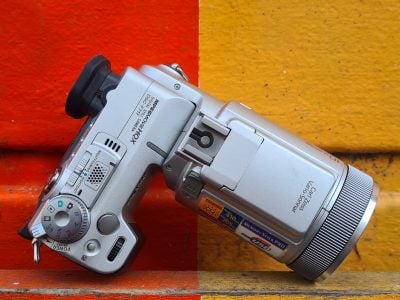
Sony Cyber-shot F717 retro review
02 Feb 2024 Gordon LaingBack in 2002, Sony launched the Cyber-shot F717, the fourth model in the series to use an L-shaped design with a twisting body. It built on the earlier F707 to deliver one of the best in the series to date and gained later popularity for its infra-red capabilities. Find out how it performs 22 years later in my retro review!

Black Friday best camera deals 2023
22 Nov 2023 Gordon LaingIt's that time of year when we're bombarded by bargain offers, so I've sifted through the deals to find the best buys on Canon gear!
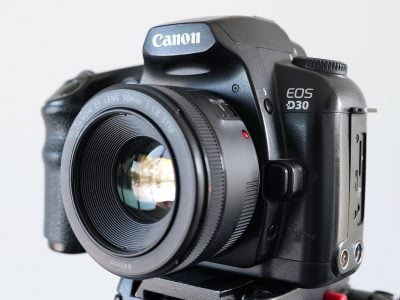
Canon EOS D30 RETRO review
30 Oct 2023 Gordon LaingThe EOS D30 was the first DSLR built entirely by Canon. Teased in the Year 2000 and sporting 3.25 Megapixels, it was ground-breakingly affordable. Find out its story and how it performs 23 years later in my latest retro review!
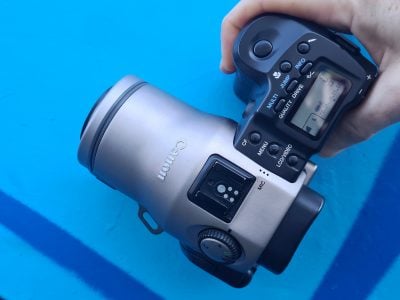
Canon PowerShot Pro70 RETRO review
16 Oct 2023 Gordon LaingThe Canon Pro70 was the first PowerShot aimed at pros and enthusiasts who couldn’t stretch to the cost of DSLRs of the day. It sported 1.7MP, a 28-70 zoom, flip screen and RAW files, packed into an SLR-styled body. I took it out 25 years later for this retro review!
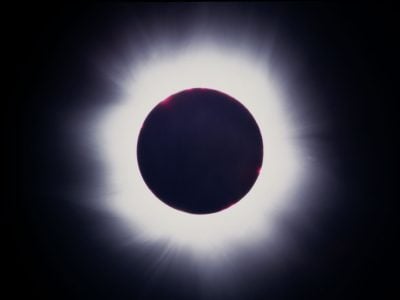
Solar Eclipse Photography
02 Oct 2023 Gordon LaingA Total Solar Eclipse is one of nature's most spectacular sights: as the Moon passes between the Earth and Sun it gradually obscures the disc until the faint wispy Coronal atmosphere is revealed! I've photographed three Total Solar Eclipses and in my guide will explain everything I've learned!
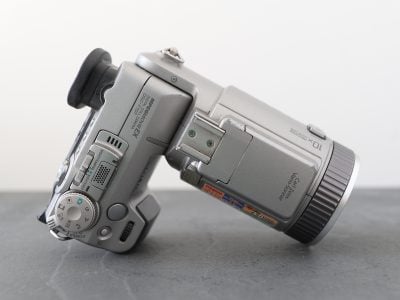
Sony Cyber-shot F707 RETRO review
07 Aug 2023 Gordon LaingThe Sony Cyber-shot F707 launched in 2001 with 5 Megapixels, a 5x zoom, a distinctive L-shaped body, and it could even see in the dark. 22 years later I take it for a spin!
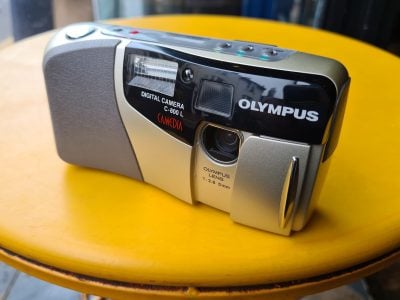
Olympus CAMEDIA C-800L retro review
13 Mar 2023 Gordon LaingBack in 1996, Olympus launched their first consumer digital cameras under the new CAMEDIA brand, including the flagship C-800L. It looked traditional but packed more pixels and memory than most rivals. Here's its story!
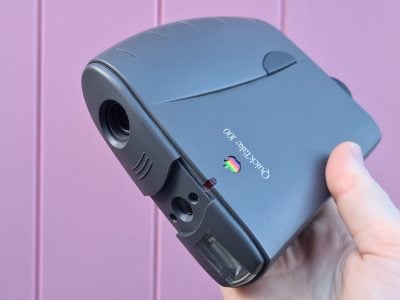
Apple QuickTake 100 retro review
02 Mar 2023 Gordon LaingThe Apple QuickTake 100 was arguably the first consumer digital camera, taking VGA colour photos and costing under $1000 when launched in 1994. Join me almost 30 years later as I experience the birth of consumer digital photography!
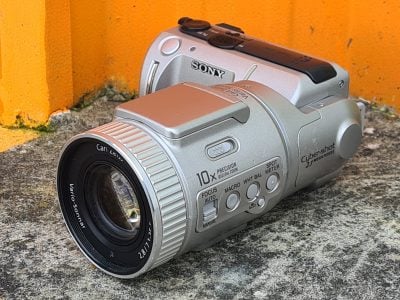
Sony Cyber-shot DSC F505 retro review
23 Feb 2023 Gordon LaingSony's Cyber-shot DSC F505 was one of the most innovative cameras of its day, with a twistable L-shaped body. 24 years after it was launched, I find out if it remains a favourite!
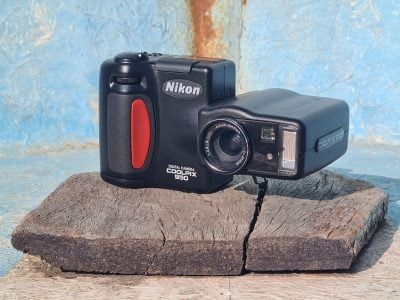
Nikon COOLPIX 950 retro review
14 Oct 2022 Gordon LaingBack in 1999, Nikon launched not one, but two legendary digital cameras: the D1 DSLR and the COOLPIX 950. In this retro review I try out the 950 23 years later!
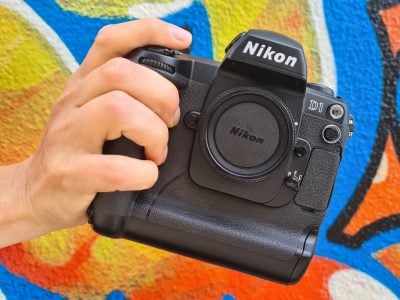
Nikon D1 retro review
30 Aug 2022 Gordon LaingIn 1999, Nikon launched the D1, the first DSLR the company entirely designed by itself. 23 years later I take this 2.7 Megapixel classic out for a retro review!

How to backup photos
02 Aug 2022 Gordon LaingIn this article I’ll show you how I backup my photos, videos and other precious files, using a combination of portable drives and cloud storage.